Initial page
Once logged in the software will display the following screen:
|
|
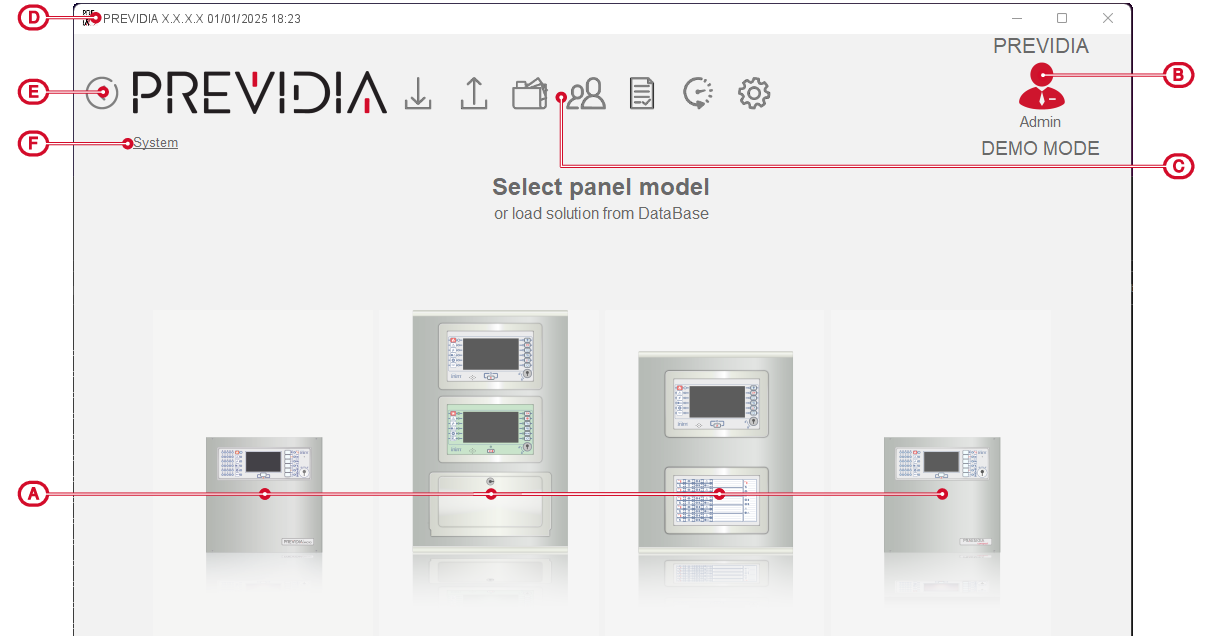
The control panel part of the screen shows the buttons representing the Previdia control panel series. Once one of the images has been selected you can proceed to configure a new control panel from the indicated series.
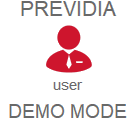
On the top right, the software shows the account used to access the software and specifies “DEMO MODE”. This indicates that you are working on data that does not come from a control panel reading.
By continuing to navigate the software in this operating mode you will have the possibility to manually add elements and configure the various parameters but you will not have the possibility to write data to a control panel.
Once a control panel reading has been done or a solution previously saved in the database has been opened, the “DEMO MODE” indication will be removed and the system will be in operating mode. In this mode it will be possible to write data to the control panels but it will no longer be possible to manually add hardware elements.
The icon on the top right will always be present while navigating through the software pages to view the account used for access and to change accounts by entering valid credentials.
